

Description
Download Hammer VPN AntiDPI VPN APK – Free Mobile VPN, Data-Saving Tool, Secure Browsing, T2 Bandwidth Saver
Overview
Hammer VPN AntiDPI VPN APK, developed by TunnelGuru, is a mobile-focused virtual private network (VPN) application designed to enhance online privacy and optimize data usage on smartphones. Originally known as Hammer VPN, the app has evolved into T2 Bandwidth Saver, maintaining its core mission of protecting user data while minimizing bandwidth consumption. The software targets mobile users who rely heavily on limited data plans and seek a secure browsing experience without draining their monthly allowance. It functions as a lightweight proxy-based solution, prioritizing data efficiency and privacy over advanced features. Ideal for individuals in regions with restricted internet access or those who value secure web navigation on public Wi-Fi, the app provides a straightforward way to encrypt traffic and access geographically restricted content through a network of servers. While the developer did not provide additional details about the company or its development philosophy, the app’s functionality suggests a focus on practicality and accessibility. Real-world use cases include accessing blocked websites, securing sensitive communications, and conserving mobile data during extended browsing sessions. The service operates on a free model with ad-supported access, which may affect the user experience for some.
Key Features & Capabilities
- Data Compression Algorithms – The app uses proprietary compression techniques to reduce the amount of data transferred during web browsing, helping users extend their mobile data limits.
- Automated Server Selection – Based on the user’s location, the app automatically connects to the nearest or most efficient server to minimize latency and optimize performance.
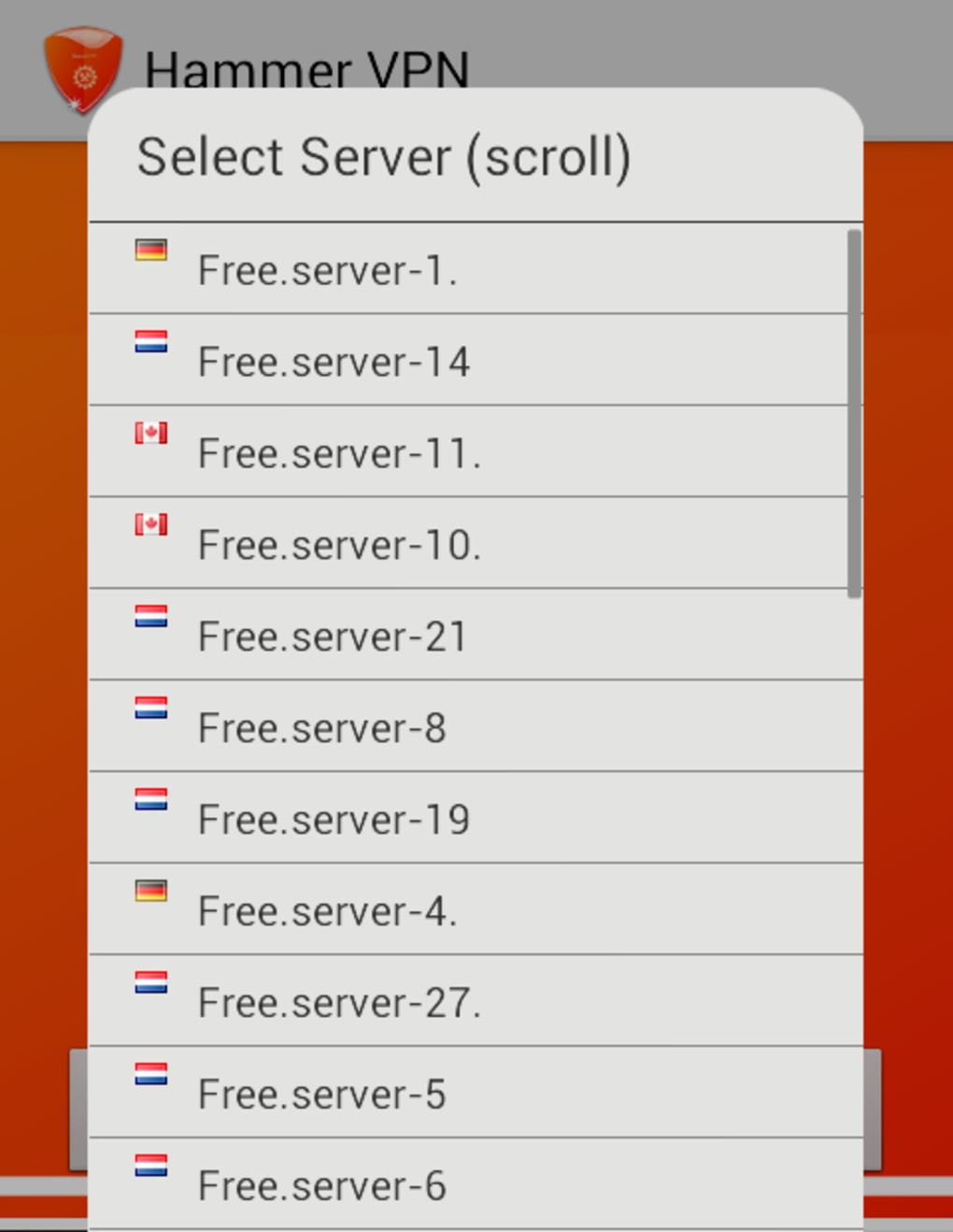
- Manual Server Switching – Users can manually select a server location if they need to access content restricted by region or prefer a specific connection point.
- Privacy Protection via Encryption – All internet traffic is routed through a secure tunnel, shielding user data from third-party monitoring and potential threats on unsecured networks.
- Ad-Supported Free Access Model – The app remains free to use but requires users to watch video ads to maintain access, which may impact uninterrupted usage.
These features are particularly useful for travelers, remote workers, and individuals in areas with high data costs or internet restrictions. The data-saving functionality is especially beneficial for users who frequently stream media, browse social networks, or use cloud-based apps on limited data plans. By reducing data overhead, the app helps preserve bandwidth without compromising the basic security of online activities. However, the absence of advanced features like kill switches, multi-hop routing, or DNS leak protection suggests a focused, minimalist approach.
User Interface, Workflow & Performance
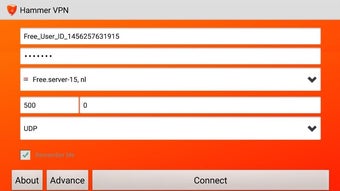
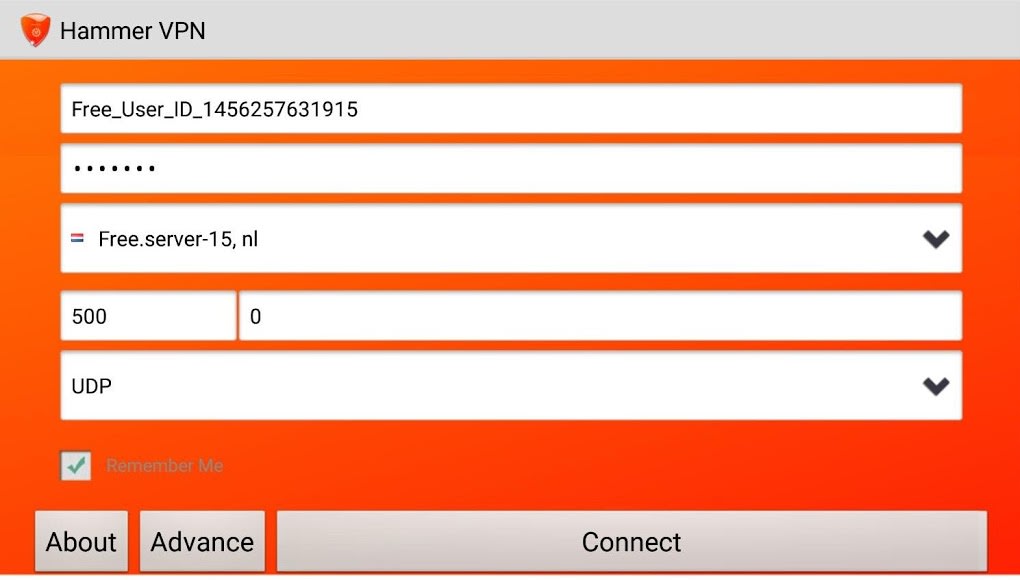
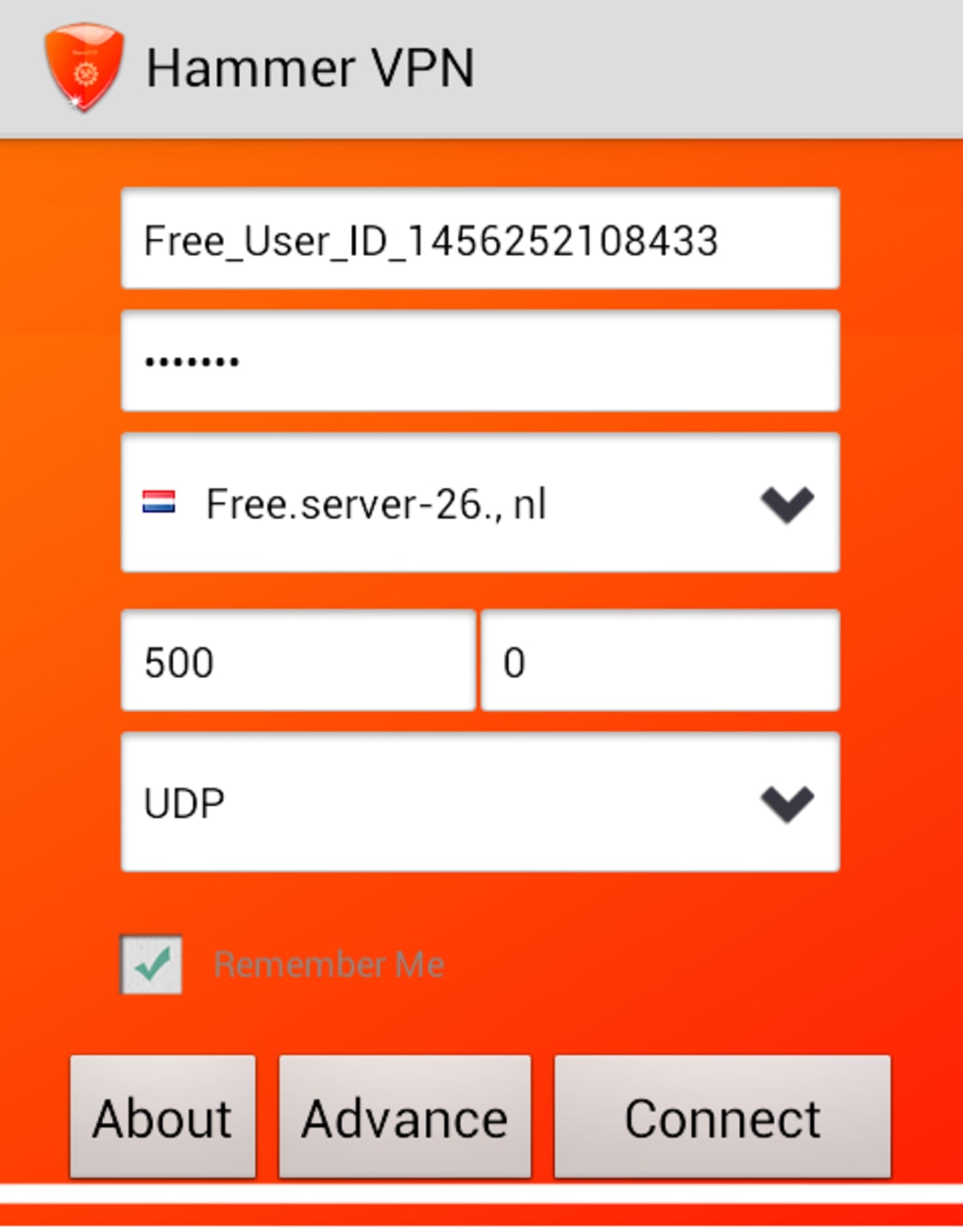
The user interface of Hammer VPN AntiDPI VPN APK is described as simple and intuitive, designed to prioritize ease of use for non-technical users. Navigation is streamlined, with minimal on-screen elements and clear action buttons for connecting and disconnecting the service. The workflow follows a linear path: launch the app, tap to connect, and begin browsing securely. The developer did not specify resource usage details, so exact performance metrics such as CPU or RAM consumption remain unknown. General observations suggest that the app operates efficiently within typical mobile constraints, though prolonged use may affect battery life due to background processes. Stability appears consistent under normal conditions, but the reliance on ad delivery could introduce minor interruptions during usage. Performance may vary depending on network conditions and server load, though no specific benchmarks were provided. The app’s lightweight nature likely contributes to smooth operation on mid-range and older devices. Users should expect minimal lag during standard browsing, though heavy data-intensive tasks may still strain limited bandwidth.
Compatibility & System Requirements
The software is designed for mobile platforms, specifically Android, and is distributed as an APK file, allowing installation outside official app stores. The developer did not provide detailed system requirements, so exact compatibility with specific Android versions or hardware configurations remains unclear. Installation size and minimum device specifications were not listed. The app supports multiple server locations, suggesting broad geographic reach, though the exact number and distribution were not disclosed. Users should verify compatibility with their device’s operating system and ensure they have enabled installation from unknown sources to install the APK. The lack of official app store distribution may raise concerns about security, though the app’s functionality appears consistent with other mobile VPN services. Platform compatibility information is limited to mobile Android devices, with no indication of support for iOS or desktop operating systems.
Pros and Cons
Pros
- Free to use with no upfront cost
- Effective data compression reduces mobile data usage
- Simple and intuitive interface for easy navigation
- Automated server selection for optimal connection
- Basic encryption and privacy protection for web browsing
Cons
- Ad-supported model may interrupt user experience
- Limited feature set compared to full-featured VPNs
- No information on system requirements or performance metrics
- APK distribution may pose security risks if not downloaded from trusted sources
- Lacks advanced security features like kill switch or DNS leak protection
FAQ Section
Is T2 Bandwidth Saver available for iOS devices?
The software is currently available as an APK file for Android. There is no information provided about iOS compatibility or availability on the App Store.
Is the app safe to use?
As a free mobile VPN, the app encrypts user traffic and protects privacy during browsing. However, users should download the APK only from trusted sources to avoid potential security risks. The developer did not provide independent security audits or transparency reports.
How often does the app update?
The release date was provided, but no information was given about the frequency of updates or patching. Users should monitor the developer’s official channels for updates.
Does the app require a license or subscription?
No license or subscription is required. The app is free to use, but access is maintained through an ad-supported model, where users may need to watch video ads to continue using the service.
Can I use this VPN offline?
The app requires an active internet connection to function. It cannot operate in offline mode, as it relies on remote servers to route traffic and provide encryption.
Final Thoughts
Hammer VPN AntiDPI VPN APK, now known as T2 Bandwidth Saver, delivers a focused solution for mobile users seeking basic privacy and data efficiency. While it lacks the comprehensive feature set of premium VPNs, it excels in its primary goal: reducing data consumption while maintaining secure browsing. Its simple design and automated server selection make it accessible to users of all experience levels. The ad-supported model is a trade-off for free access, but it enables broader availability for users with limited budgets. For those on tight data plans or in regions with restricted internet access, this tool offers a practical, no-cost way to browse safely. However, users seeking advanced security features or uninterrupted usage should consider alternatives. Overall, it’s a solid choice for minimalistic, data-conscious mobile protection. Download Hammer VPN AntiDPI VPN APK now.
Guides & Tutorials for Hammer VPN AntiDPI VPN APK
How to install Hammer VPN AntiDPI VPN APK
- Click the Preview / Download button above.
- Once redirected, accept the terms and click Install.
- Wait for the Hammer VPN AntiDPI VPN APK download to finish on your device.
How to use Hammer VPN AntiDPI VPN APK
This software is primarily used for its core features described above. Open the app after installation to explore its capabilities.
User Reviews for Hammer VPN AntiDPI VPN APK 0
No reviews found





